
Module Setup
Autoresponder
Configure automatic replies when members say selected phrases or trigger support prompts.
Open /modules/autoresponder.
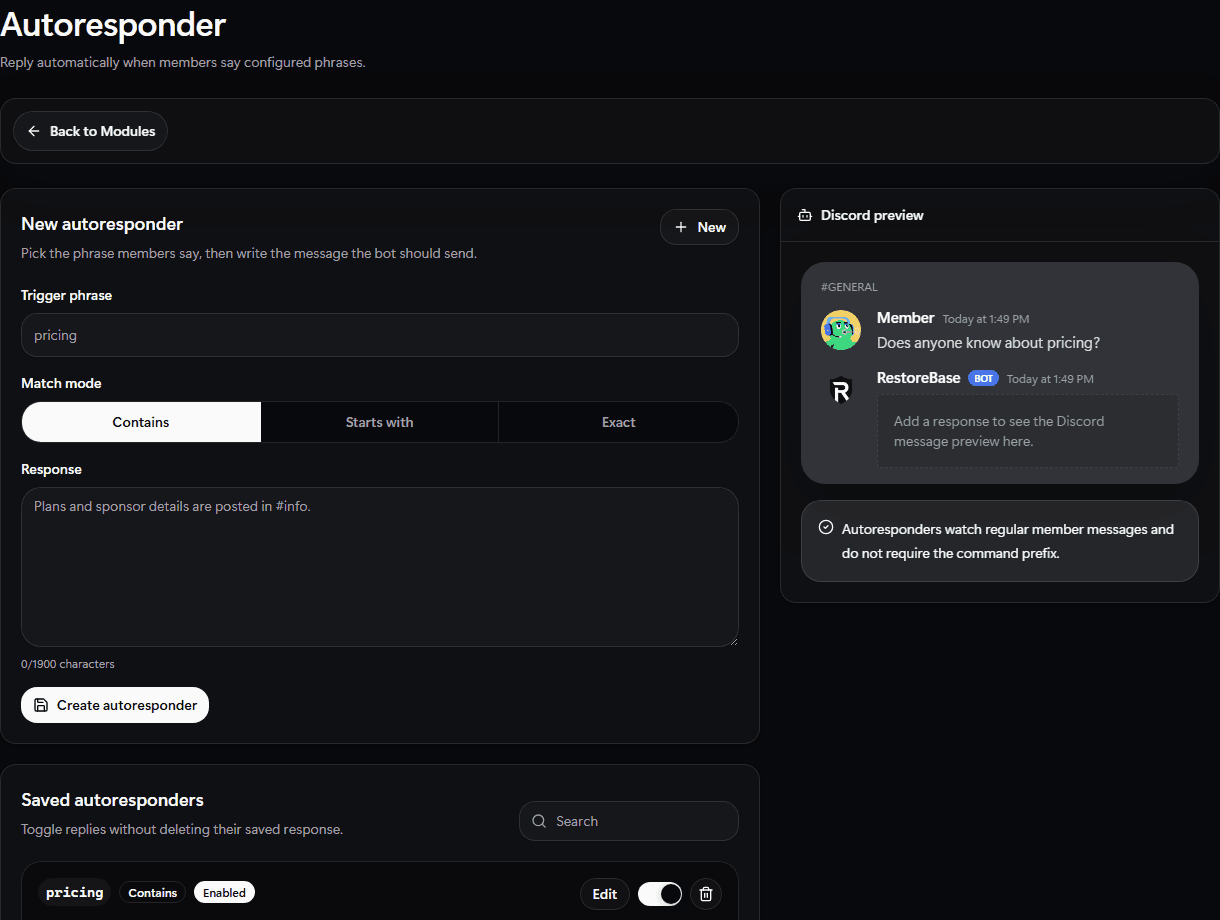
Use the Autoresponder setup screen to choose the trigger phrase, match mode, response copy, and saved responder state.
Set Up
- Add the phrase or pattern members will type.
- Write the automatic response.
- Choose matching behavior and channel limits.
- Enable the rule.
- Save.
Validate
Test the trigger in a staff channel so you can catch noisy or overly broad matches.