
Module Setup
Embeds
Compose and publish Discord embeds for rules, onboarding, announcements, support, and updates.
Open /modules/embeds or /embeds.
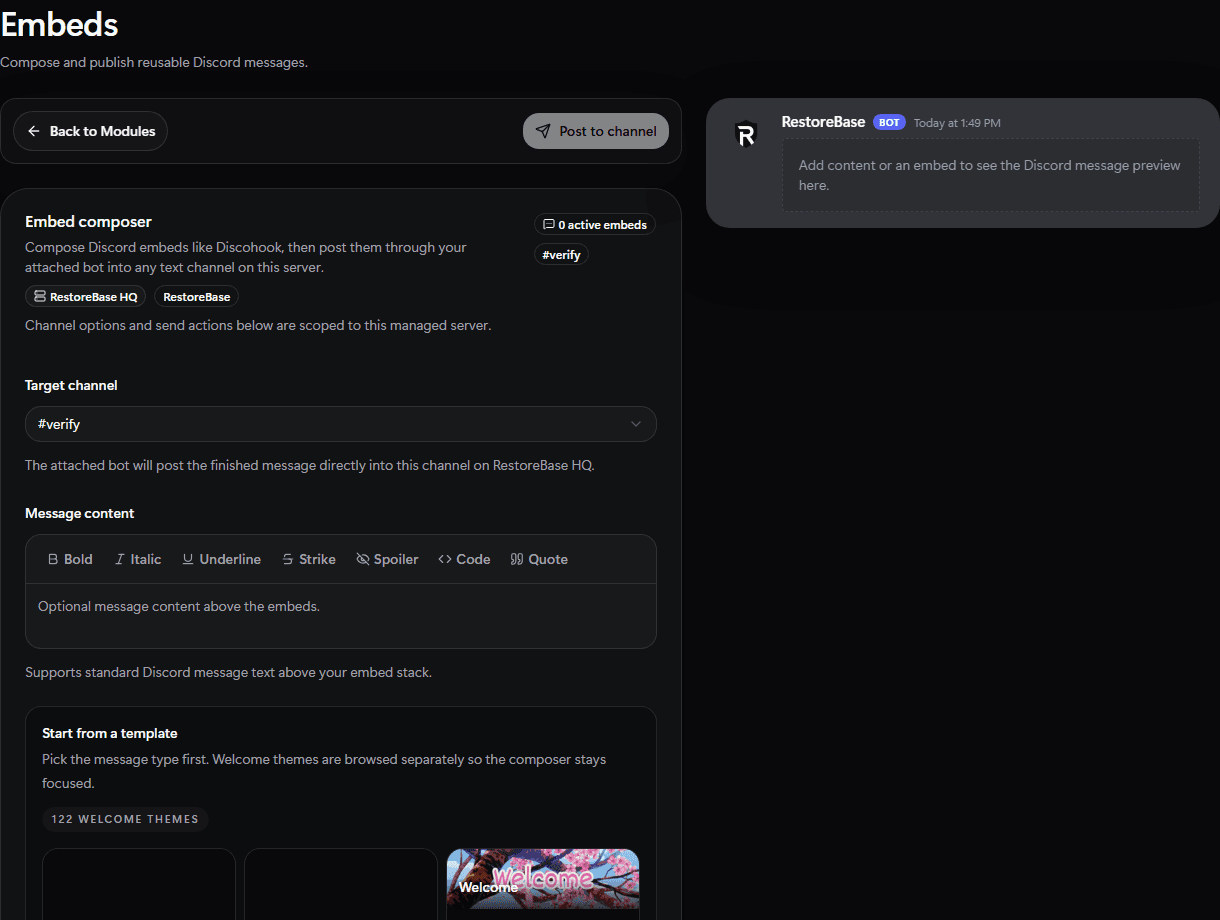
Use the Embeds setup screen to choose the target channel, compose message content, start from templates, and preview the Discord result.
Set Up
- Choose the Discord channel.
- Write the embed title, description, fields, footer, images, and accent color.
- Preview the message.
- Publish to Discord.
- Save reusable versions for rules, onboarding, announcements, or support panels.
Validate
Publish to a private staff channel first, then send the final version to the live channel.